
Download First Take
Turn your ideas
into incredible videos.
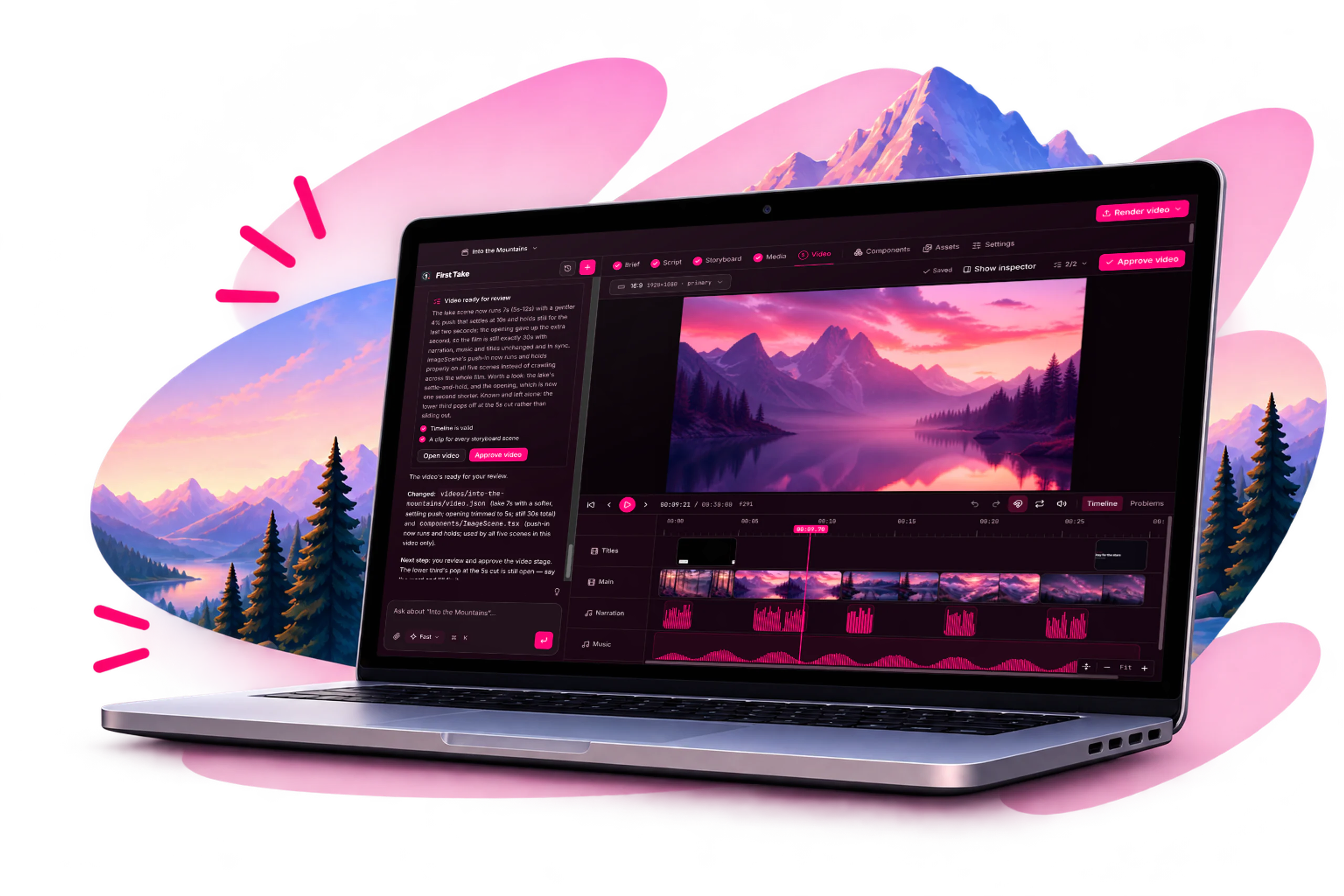
Download First Take and start creating professional videos with the power of AI. Available for Mac, Windows and Linux.
Have an Intel Mac? Download for Intel
Or choose another platform
- 7-day free trial · card required
- Requires an internet connection to use.
AI built for video
Specialised AI workflows designed around video production, not generic chat.
The best models,
in one place
Access leading image, audio and video models from multiple providers.
Edit beyond the timeline
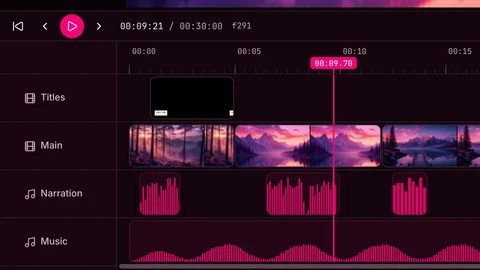
Tweak scenes visually or edit the underlying code when you need precise control.
One video, every format
Export multiple aspect ratios from the same project without recreating the production.
Script
Create a 30 second product demo showing the key features, with a modern and cinematic style.
 0:04Opening shotCinematic aerial of mountains at sunrise.1
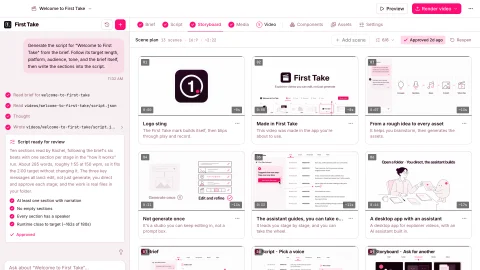 0:06Product demoShow the main features with clean UI shots.2
 0:06Feature highlightsDynamic edits with text overlays.3
From idea to final video
Create with AI,
refine with control.
Start with a simple prompt and let First Take generate a complete plan with scenes, visuals and voiceover. Then fine-tune every detail, from the edits and timing to the underlying code, to make it truly yours.
- Generate scripts, storyboards and scenes
- Use real assets or AI-generated media
- Full creative control when you need it
Export any way you need
One video,
multiple formats.
Create once, export everywhere. Generate multiple aspect ratios from the same project, perfect for YouTube, TikTok, Instagram and more. No extra production, no starting over.
Learn more
16:9
YouTube

9:16
TikTok, Reels, Shorts

1:1
Instagram, LinkedIn
All downloads
Every platform and version
Version 0.0.3 · Alpha · SHA-256 checksums
Getting started
- Install First Take (on a Mac, open the file and drag First Take to Applications).
- Open First Take and enter your email.
- Type the 8-digit code from your email. You stay signed in on that computer.
- Pick a plan, or start the 7-day free trial.
- Choose a folder for your first workspace.
Good to know
- 8 GB of memory (16 GB recommended for 4K renders), and an internet connection for AI features.
- This is an early build. On a Mac, if First Take won't open the first time, go to System Settings → Privacy & Security and choose Open Anyway.
- Windows may show a SmartScreen warning: choose More info, then Run anyway.


Ready to create?
Download First Take today.
Turn your ideas into incredible videos, starting with your first prompt.
Have an Intel Mac? Download for Intel
- 7-day free trial · card required
- Requires an internet connection to use.