Credits
How many credits does a 10-minute video use?
A friendly walk-through of what a narrated 10-minute video costs in credits, from the brief to the last sound effect.
First Take team · 9 Oct 2026 · 5 min read
It's the question we hear most from people choosing a plan: how far will my credits actually go? So we worked it out for a longer video than most people start with, a 10-minute narrated explainer, from the first chat about the brief through to the final sound effect.
The short answer is about 1,500 credits for a typical 10-minute video. Here's where that number comes from, and what pushes it up or down.
First, what we left out (on purpose)
First Take can generate AI video clips, and they're there in the app whenever you want one. We didn't count them here, and that's deliberate.
Generated video is the least predictable part of AI. You write a prompt, wait, and hope the shot comes back the way you pictured it. Sometimes it does. Often you go again. First Take is built so a finished video doesn't have to rely on that. You agree the brief and script, settle the storyboard, then build each scene from frames, graphics and your own footage, all of which you can see and change before anything is final.
AI clips also cost more. An 8-second clip uses roughly 25 to 160 credits depending on the model, so a handful of them can outweigh everything else in this post. Think of them as an extra for the moments that really need one, not the foundation of the video.
Where the 1,500 credits go
Here's a typical 10-minute video, made the way most people use First Take: one solid pass, with a few changes along the way.
| Step | What's included | Credits |
|---|---|---|
| Brief and script | Talking the idea through with the assistant and drafting the narration on the Fast tier | 80 |
| Storyboard frames | Forty frames, roughly one every 15 seconds, with a few redone | 400 |
| Narration | One full voiceover of around 1,500 words, plus the sections you rewrite | 400 |
| Music | A two-minute background track, generated twice, looped under the video | 480 |
| Sound effects | A handful of whooshes, clicks and transitions | 120 |
| Editing and export | Timeline edits, your own uploads and every render | 0 |
| Total | about 1,500 |
That last row isn't a typo. Exporting, editing on the timeline and anything you upload yourself don't use credits at all, so render as many versions and formats as you like.
A lean first pass, or plenty of revisions
Your own number depends mostly on how often you change your mind. That's fine; it's what the stages are for.
- A tight first pass is closer to 750 credits: a quick brief, frames that land first time, one narration read and a shorter music loop.
- A video with lots of revisions is closer to 2,500 credits: a longer brief with the Ultimate assistant, a second full narration, a longer music track and a fair few regenerated frames.
The two things that move the number most
The first is music length. A two-minute track looped under the video keeps music to a few hundred credits. Generating a fresh 10-minute score is about 1,200 credits every time you generate it, which on its own takes a typical video to around 2,200.
The second is the assistant tier. Fast handles briefs and scripts for a few dozen credits. Staying on Ultimate for a long back-and-forth can add a few hundred. It's worth it for a tricky script, but for everyday drafting Fast is plenty.
What that means for your plan
A typical 10-minute video fits inside a Creator month (1,800 credits) with a little room to spare. A lean first pass fits in Starter (800). If you're making several long videos a month, Pro (4,000) covers two or three typical ones.
These are estimates from our own projects, and yours will vary with script length, the voice you pick and how often you regenerate. The Usage screen in the app shows exactly where your credits go, so after your first video you'll know your own number.
More from the blog
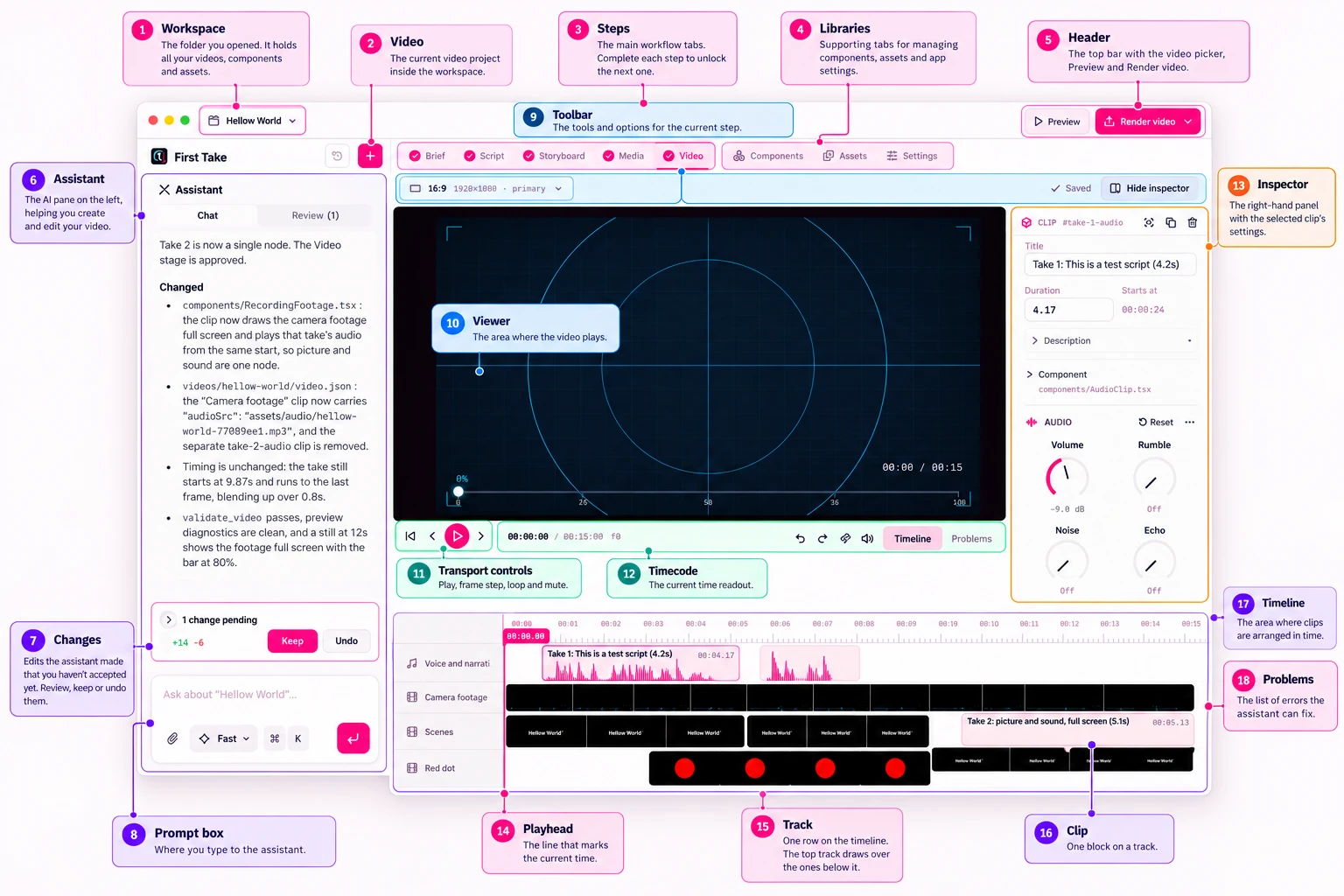
A tour of the First Take editor
Every part of the app, numbered and named: the workspace, steps, assistant, viewer, timeline and inspector.
 First Take team
12 Oct 2026 · 8 min read
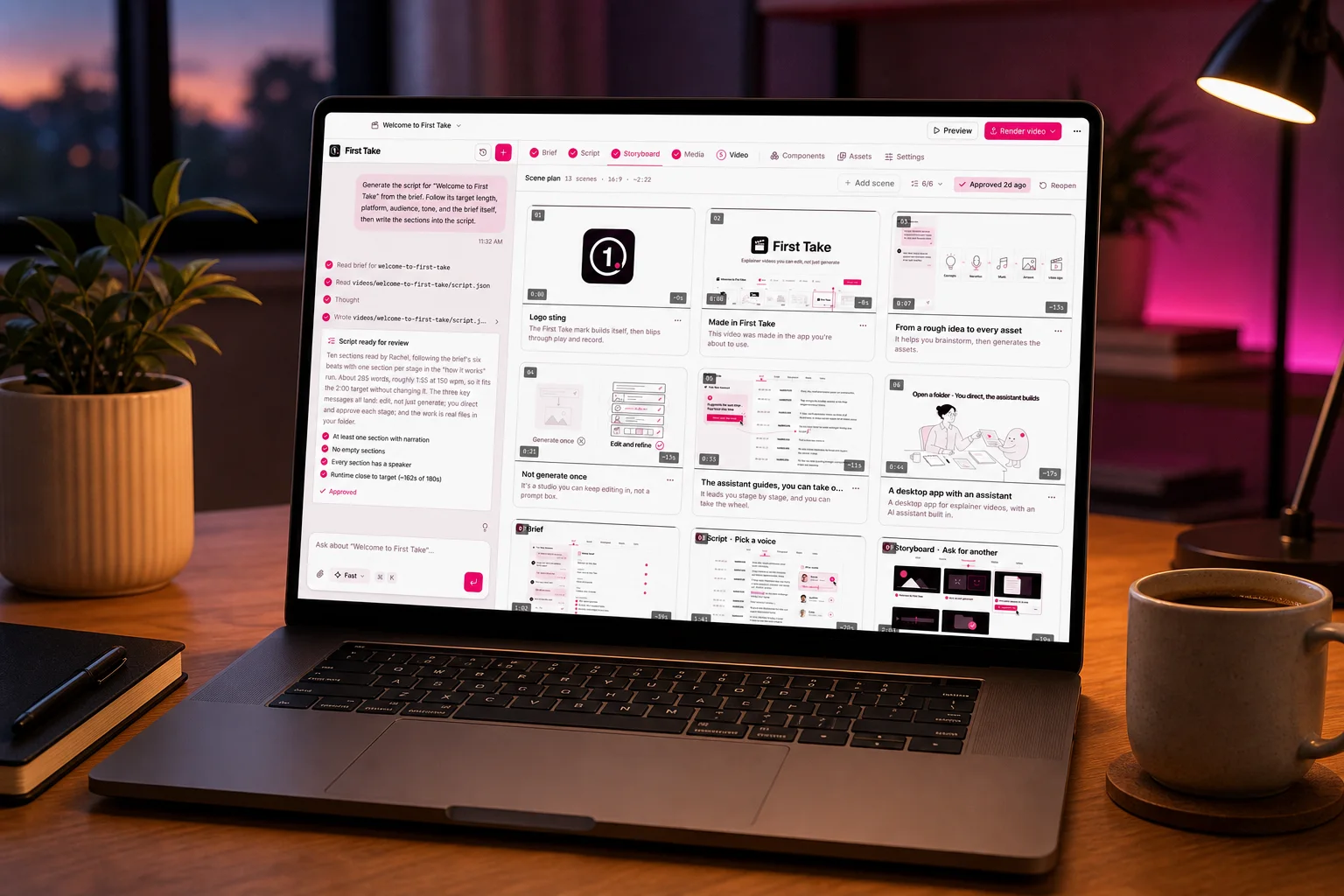
How to make a professional explainer video with AI in an afternoon
A step-by-step guide to going from a rough idea to a finished, narrated video: brief, script, storyboard, media and edit.
First Take team6 Oct 2026 · 7 min read