Use cases
How to create product demo videos that convert
Turn your product into a clear, engaging demo: what to show, what to leave out, and how to structure it.
First Take team · 6 Oct 2026 · 6 min read
A product demo has one job: help the right person see themselves using your product. The best demos are short, specific and honest about what the product does. Here's a structure that works, and how to build it in First Take.
Lead with the problem, not the product
Open with the situation your viewer is in: the task that takes too long, the tool that gets in the way. Fifteen seconds is plenty. If they recognise the problem, they'll stay for the solution.
Show one workflow end to end
Pick the single most valuable thing your product does and show it from start to finish. Resist the feature tour. Three screens that tell a story beat twelve screens that list capabilities.
- Use real screenshots of your product as references, so every frame shows what users will actually see.
- Zoom in on the part of the screen being talked about, and keep the pointer moving with purpose.
- Caption everything: many viewers watch without sound.
End with a single next step
Start a trial, book a call or read the docs. Choose one. A demo that ends with three options often ends with none.
Building it in First Take
Write the brief around your viewer and the one workflow you'll show, then attach your product screenshots and logo as references. The storyboard turns each spoken beat into a frame built from your real screens, and on the timeline you can adjust any zoom, caption or timing until it reads clearly.
Make the 16:9 version for your website and YouTube, then render a 9:16 cut for social from the same project. Both stay editable, so when your product changes you update a scene, not the whole video.
More from the blog
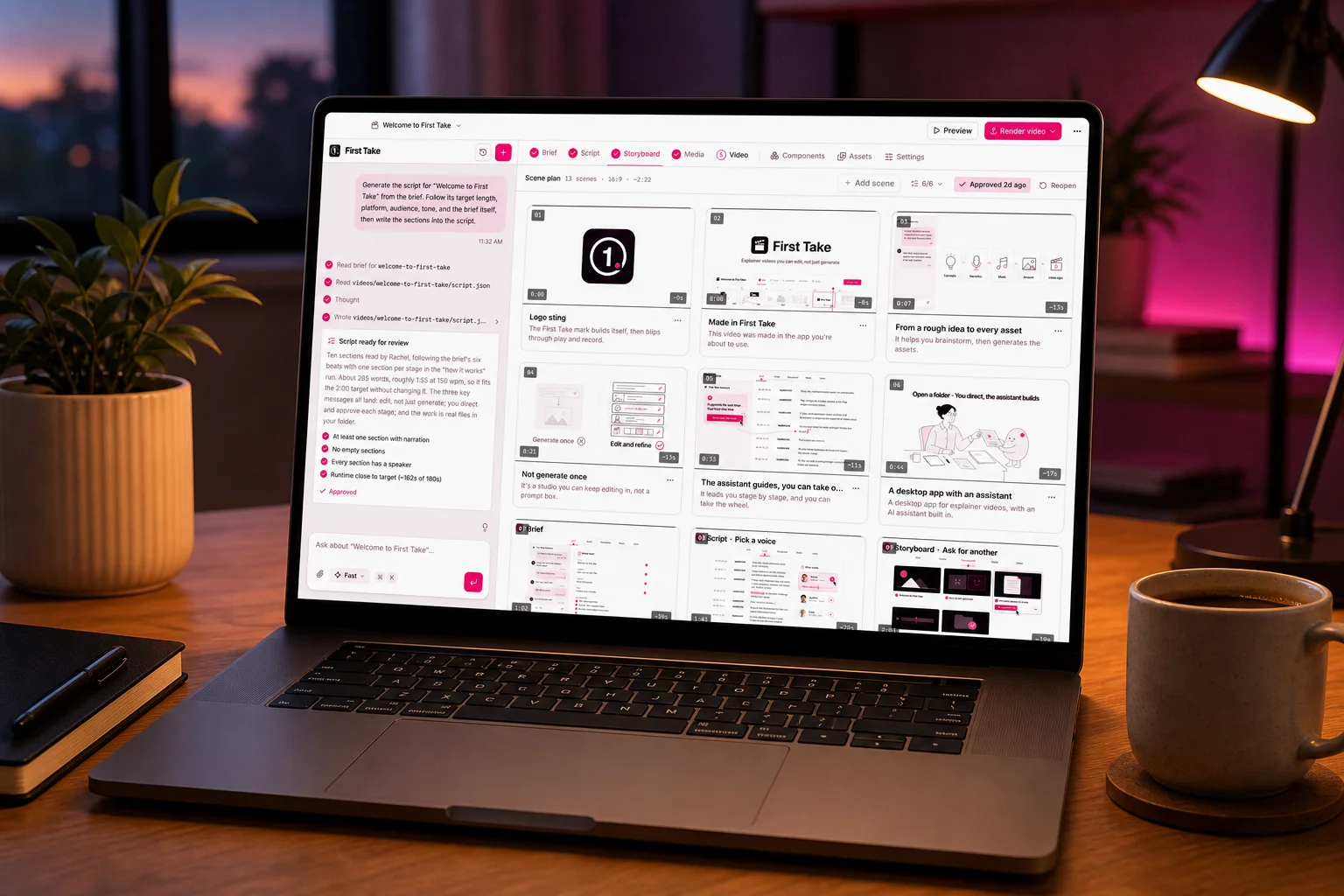
How to make a professional explainer video with AI in an afternoon
A step-by-step guide to going from a rough idea to a finished, narrated video: brief, script, storyboard, media and edit.
 First Take team
6 Oct 2026 · 7 min read
10 prompting tips for better results from AI video
Simple habits that get you clearer scripts, more consistent visuals and fewer do-overs from the assistant.
First Take team6 Oct 2026 · 6 min read