Tips & tricks
10 prompting tips for better results from AI video
Simple habits that get you clearer scripts, more consistent visuals and fewer do-overs from the assistant.
First Take team · 6 Oct 2026 · 6 min read
The assistant in First Take does a lot from a short prompt, but a few habits make a big difference to how close the first draft lands. These are the ones we use every day.
- Say who it's for. The audience shapes vocabulary, pace and which details matter. "Busy small-business owners" beats "everyone".
- Say what they should do afterwards. A video that ends with a clear next step is easier to write and more useful to watch.
- Give a length and a platform. "Two minutes for YouTube" and "30 seconds for Instagram Reels" lead to very different structures.
- Describe the tone with examples. "Calm and precise, like a good teacher" is clearer than "professional".
- Share what you already have. Attach screenshots, a logo, brand colours or an existing deck as references, and they'll be used in the storyboard.
- Ask for options when you're unsure. "Give me three different openings" is faster than rewriting one opening three times.
- Change one thing at a time. "Make section three shorter" keeps everything else stable; "make it better" invites changes you didn't want.
- Point at the scene. In the storyboard or timeline, refer to scenes by number or title so the change lands in the right place.
- Keep the visual style consistent. Describe it once in the brief ("flat illustration, white background, magenta accents") rather than in every request.
- Approve, then move on. Each approved stage becomes the foundation for the next, which is what keeps long videos coherent.
A prompt we like
It's short, but it covers the audience, the outcome, the length, the tone, the material to use and the ending. Everything else can be refined stage by stage.
More from the blog
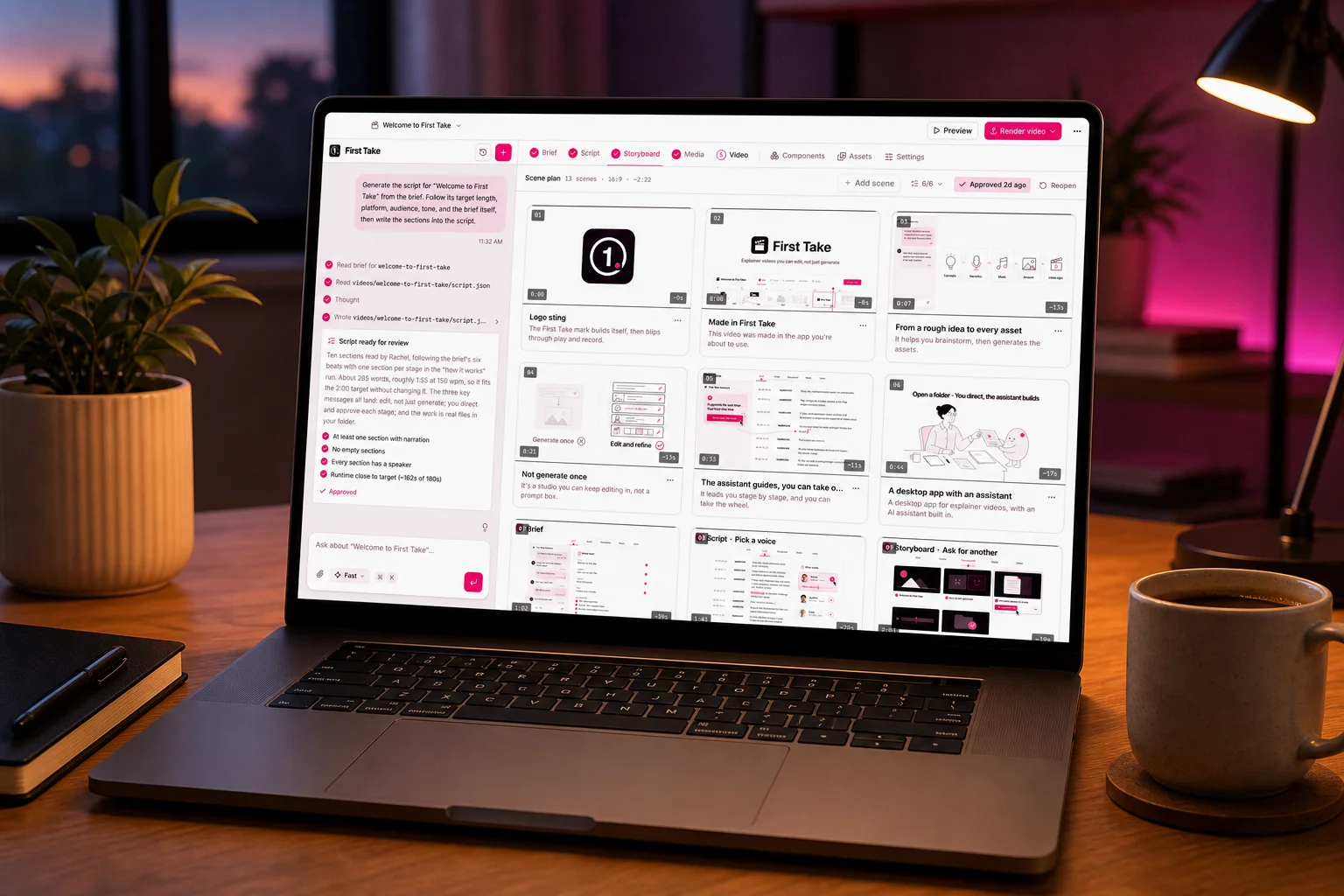
How to make a professional explainer video with AI in an afternoon
A step-by-step guide to going from a rough idea to a finished, narrated video: brief, script, storyboard, media and edit.
 First Take team
6 Oct 2026 · 7 min read
How to create product demo videos that convert
Turn your product into a clear, engaging demo: what to show, what to leave out, and how to structure it.
First Take team6 Oct 2026 · 6 min read